Apr 04 '25
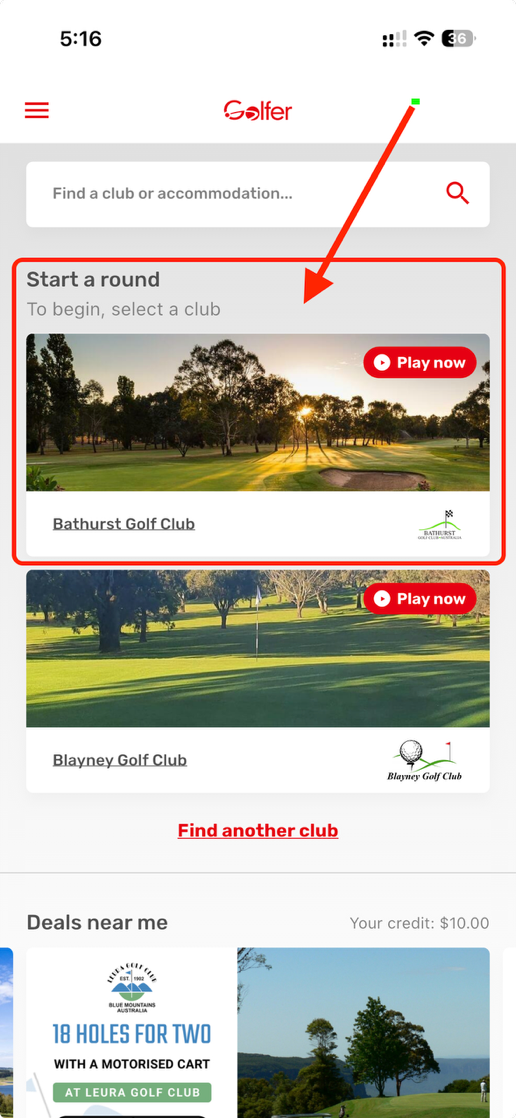
Storing and redeeming vouchers using the Golfer app is the easiest way to get on the course.
Select the three bars at the top left-hand corner o...
Apr 04 '25
Your voucher validity period can be viewed in the redeem voucher section within the App
Golf clubs reserve the right to refuse the use of an exp...
Apr 04 '25
You can set your handicap to be automatically applied each time you play a round.
Navigate to the Account screen.
Set your handicap (select t...
Yes, purchases associated with the email used for your Golfer App registration will be reflected in your account. These can be accessed on your mai...
Under the Golf Australia (GA) Handicapping System, a GA Handicap is a single number that represents your demonstrated playing ability, regardless o...
Under the Golf Australia (GA) Handicapping System (which aligns with the World Handicap System – WHS), a Daily Handicap is the number of strokes yo...
Stableford scoring is a popular golf scoring system that rewards good holes rather than punishing bad ones. Instead of adding up every stroke for t...
In golf, your nett score is your score after your handicap has been applied. It’s the number used to fairly compare players of different abilities....
The Golfer App allows you to digitally score golf rounds along with offering GPS functionality. To enter your scores simply follow the below steps....
The Golfer app offers some great functionality, particulary when tracking your score and how well you’re playing.
Whilst in a round (see how to ...